
Photo → pixel · Sprites · Free pixelate
Turn a photo into pixel art
Upload a photo and pick a look: 8-bit, 16-bit, isometric, four-green handheld or pastel. The AI redraws it with real square pixels and a limited palette, so it still looks like your picture. Or describe a sprite and draw it from text. New accounts get 26 free credits, one time only, after email verification. A photo conversion costs 26 credits.
The AI redraws your photo with square pixels and a small palette, keeping the subject and layout.
- Model
- Nano Banana 2.1
- Cost
- 26 credits
- JPG, PNG, WebP up to 10 MB
- Free pixelate tool, no account
- No watermark
- Files deleted after 30 days
Examples
Real results, unedited
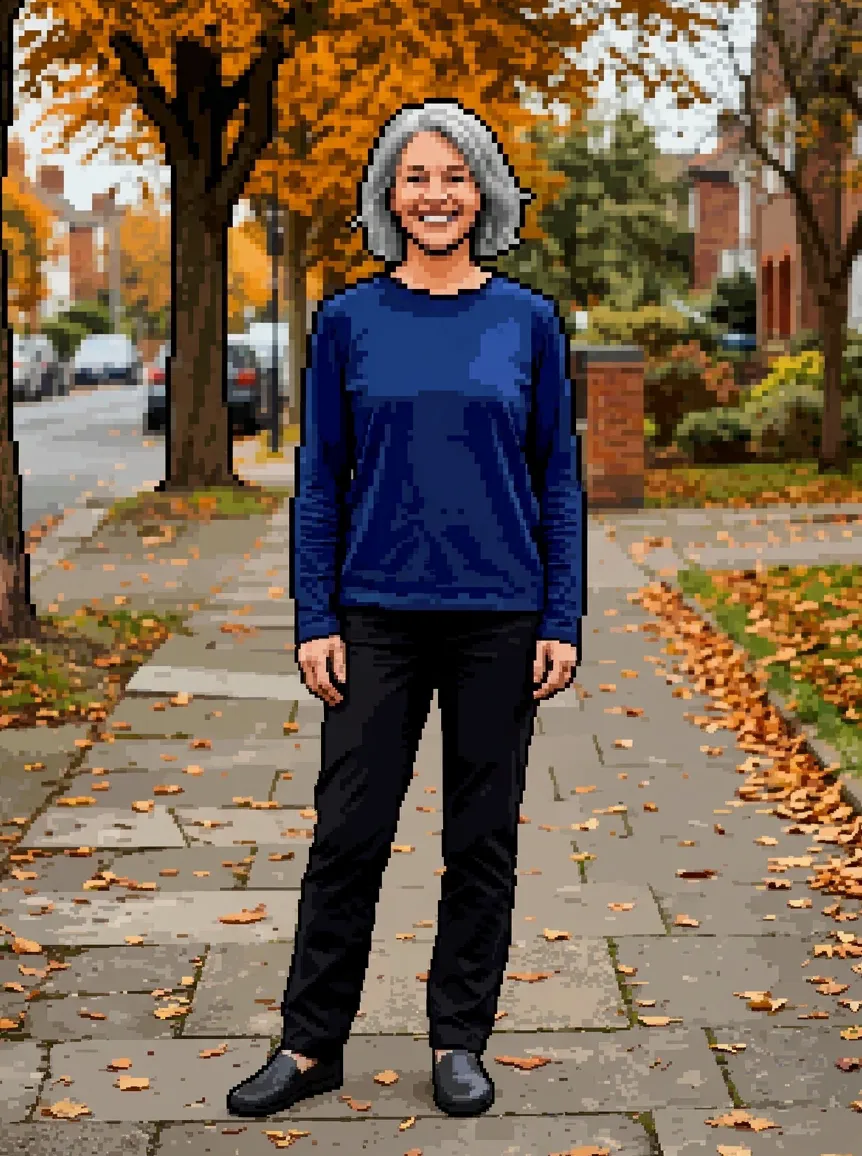
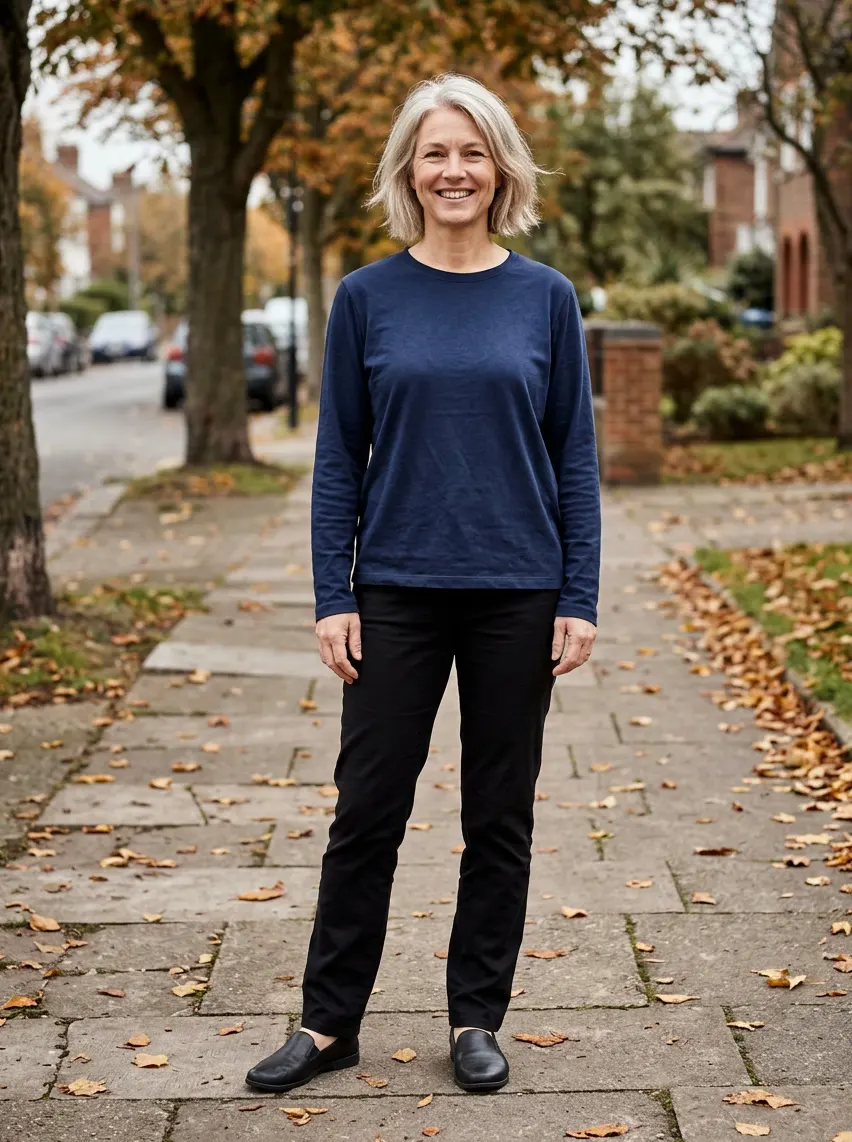
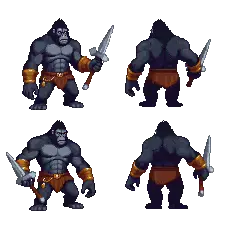
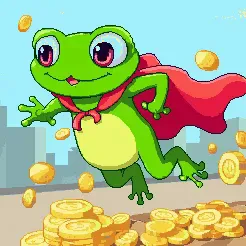
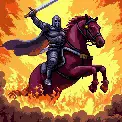
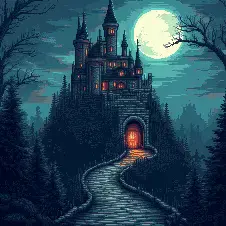
Each conversion is one run of the same prompt the studio uses. Drag the slider to compare. Sprites are shown with the description they were drawn from.
Photo → pixel art
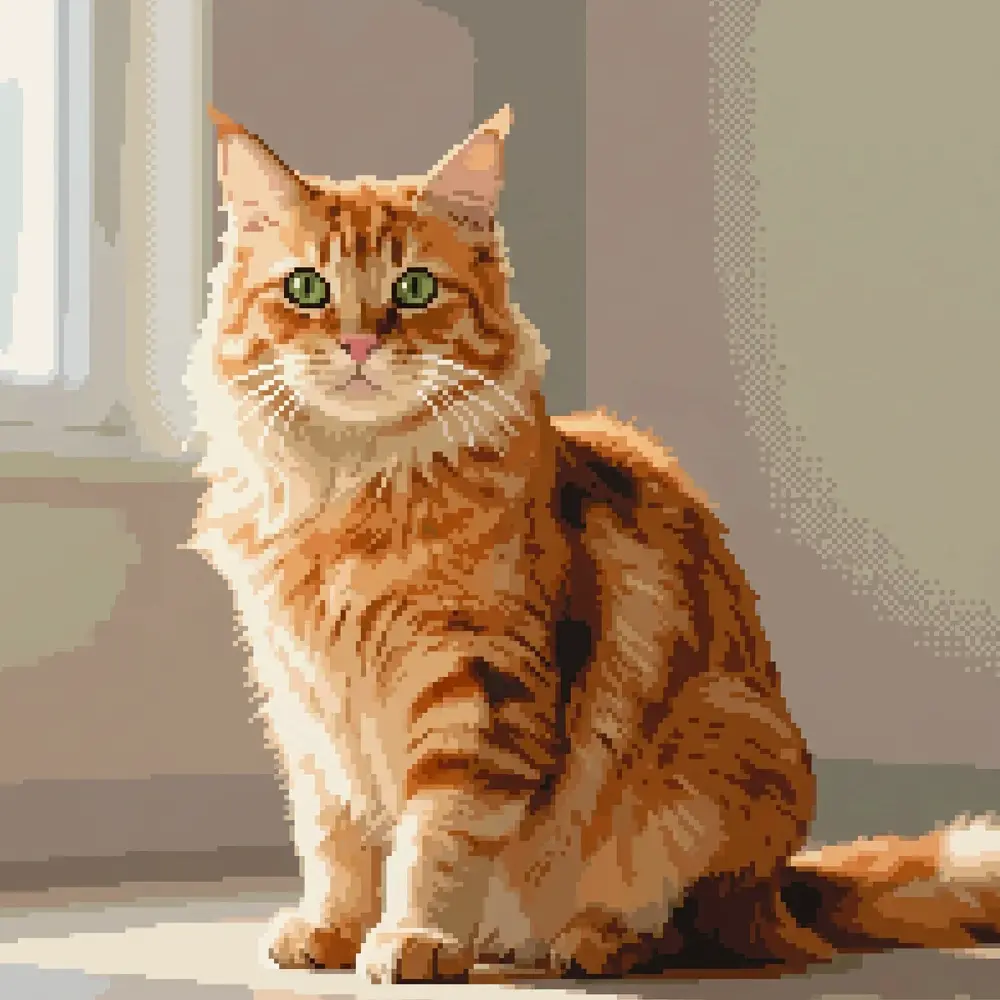
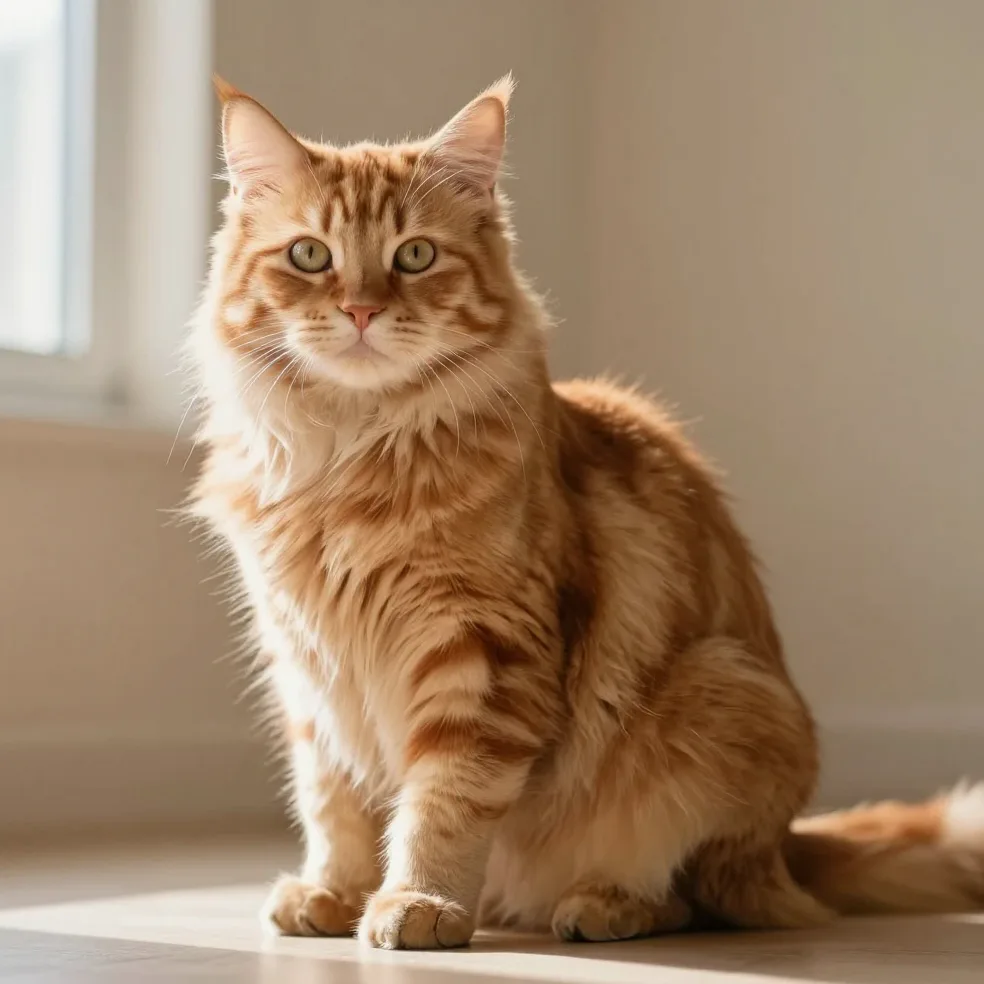 PhotoPixel
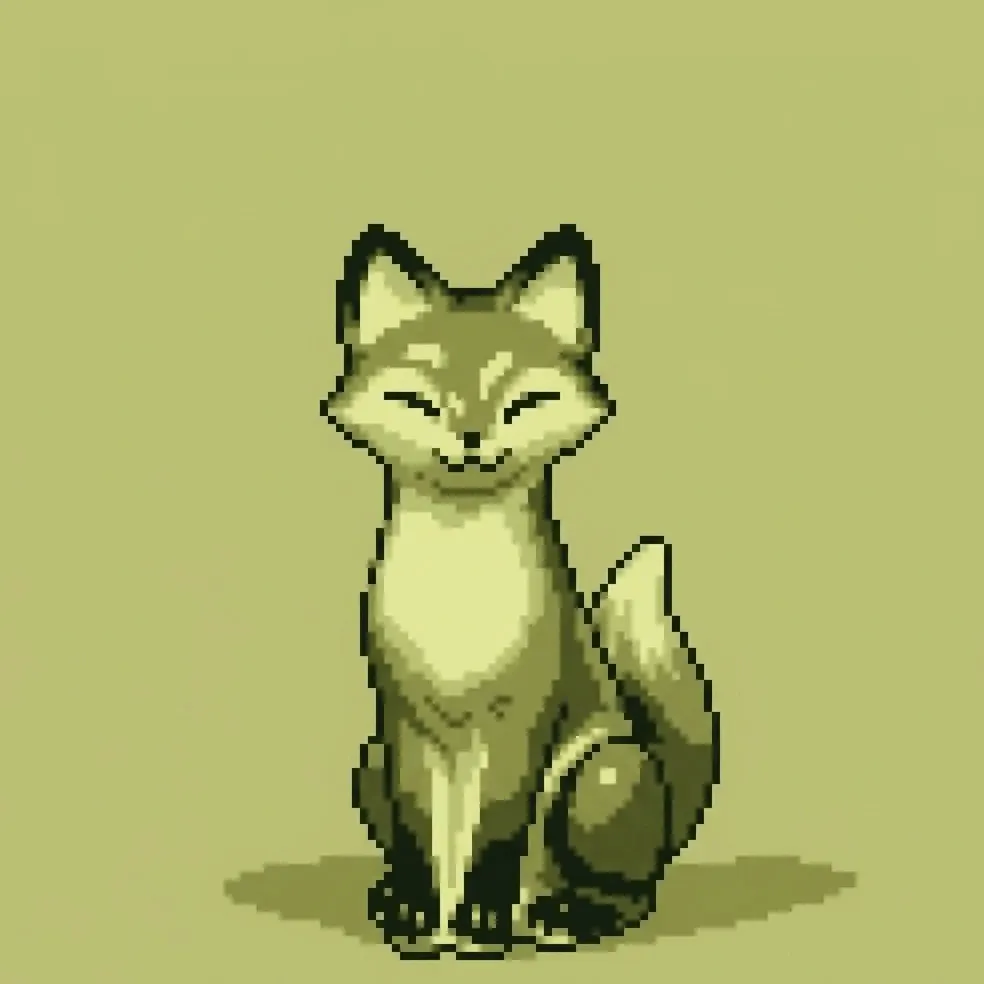
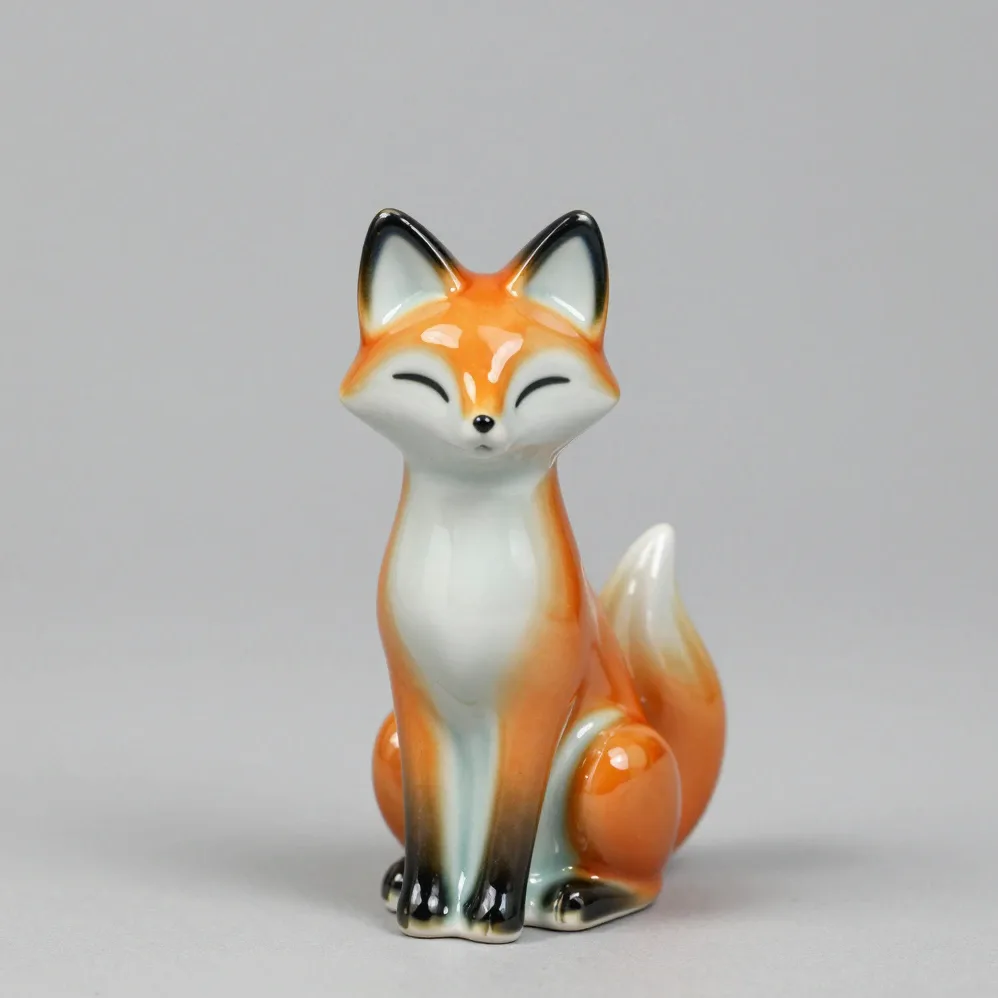 PhotoPixel
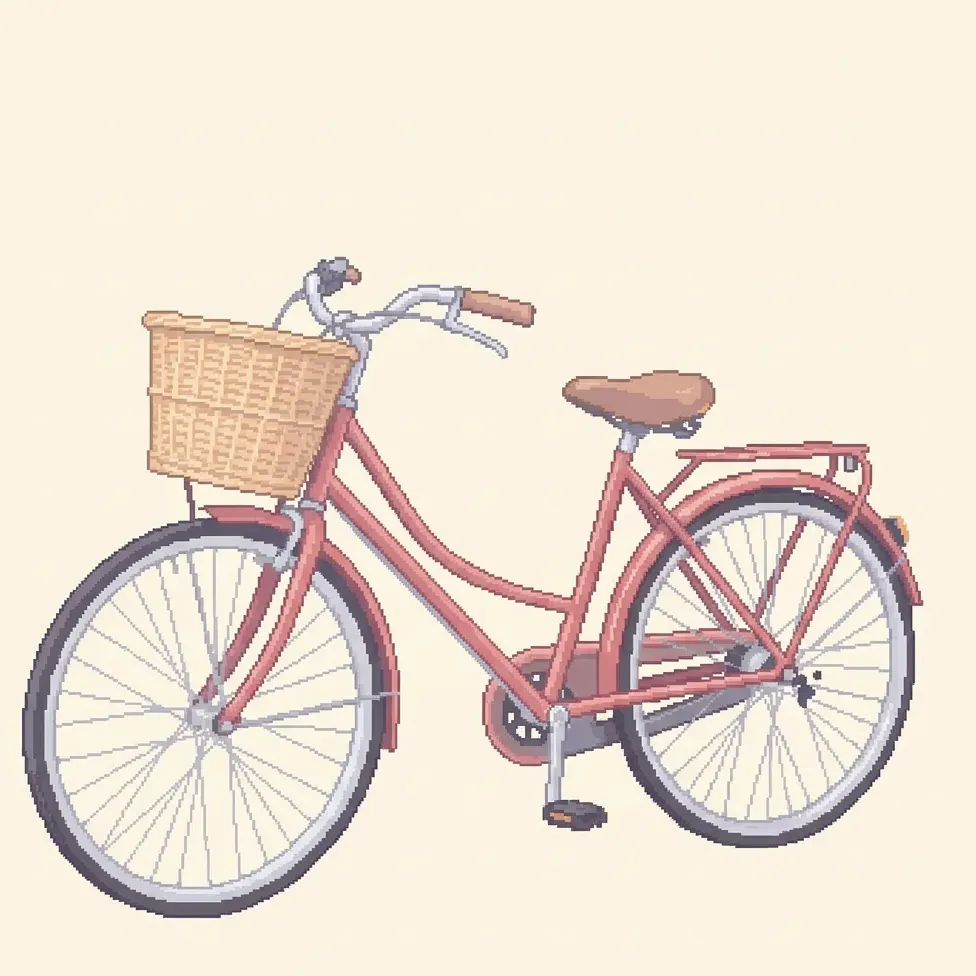
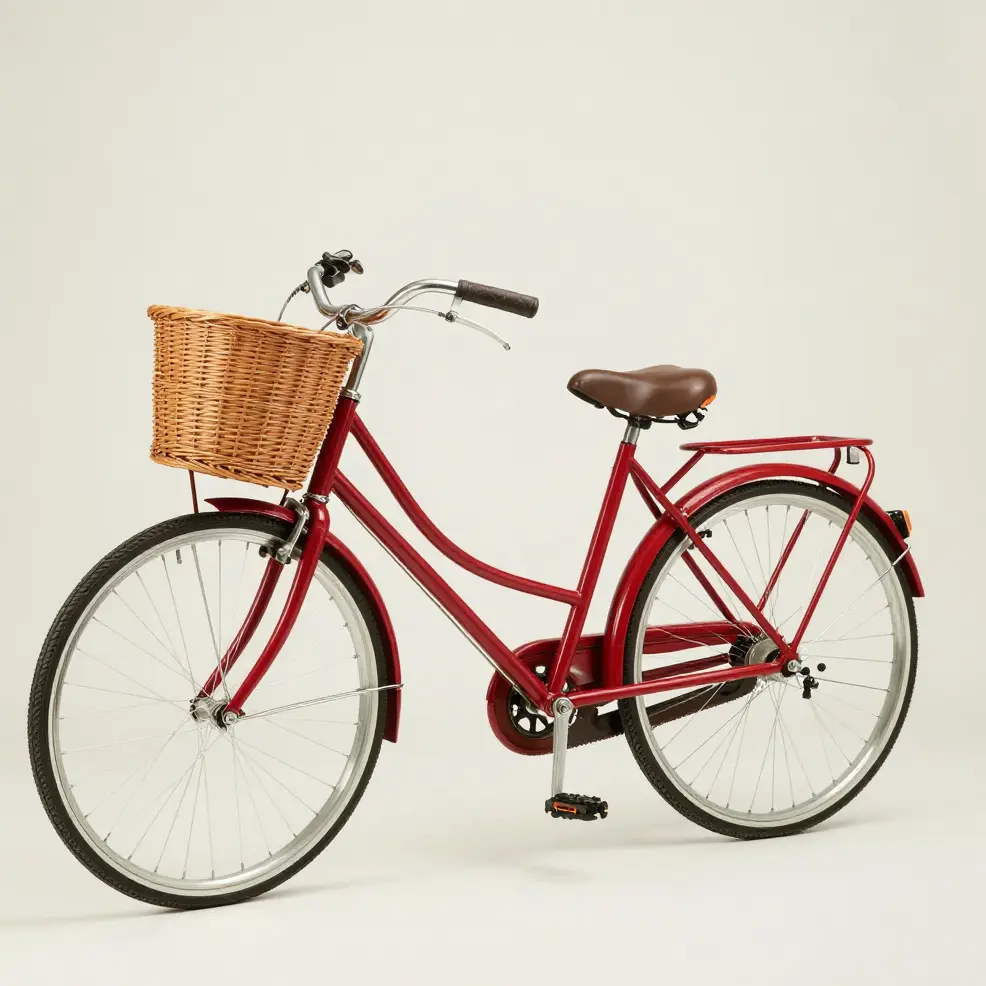 PhotoPixel
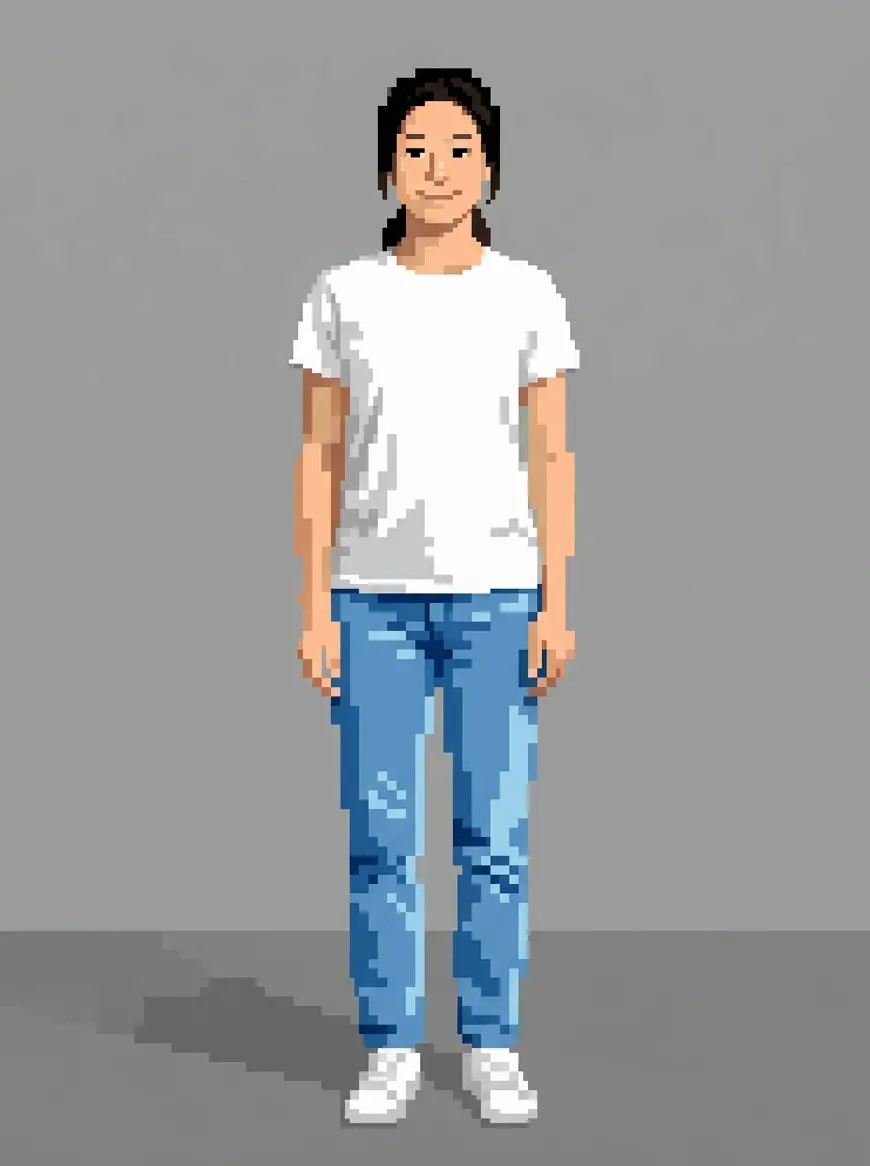
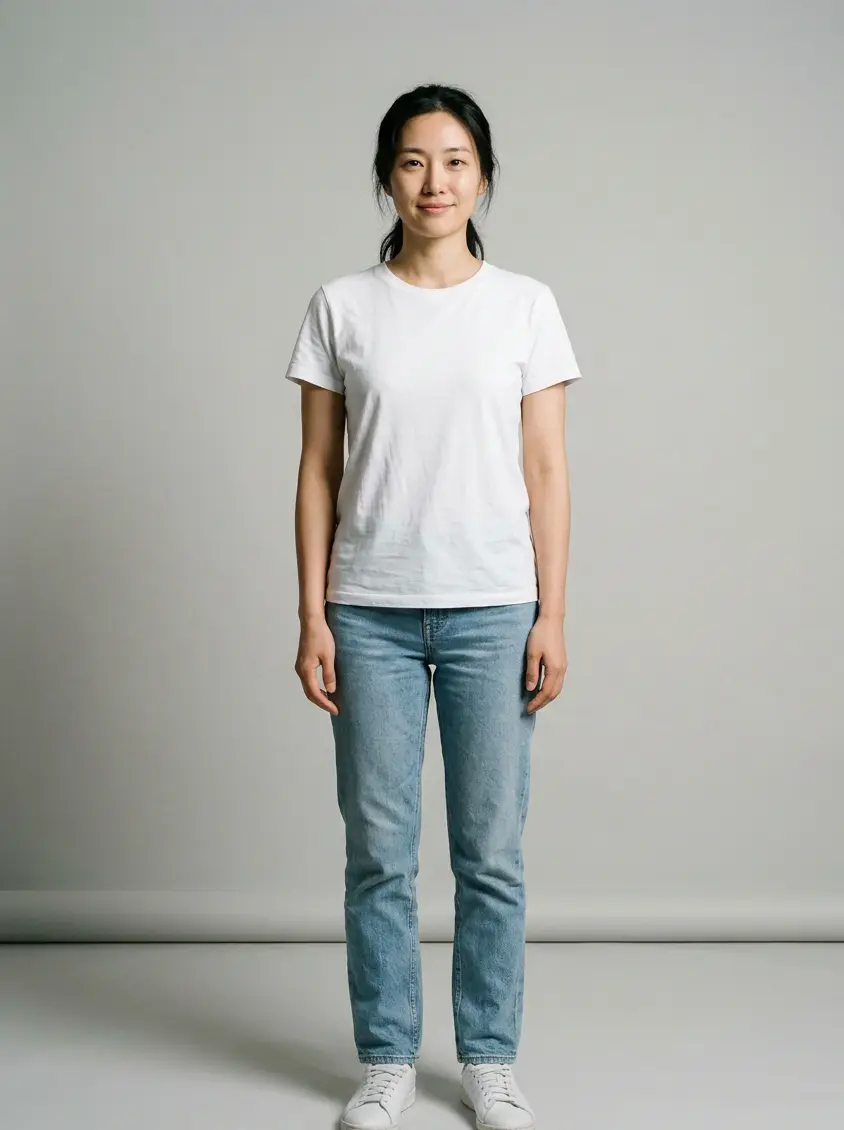 PhotoPixel
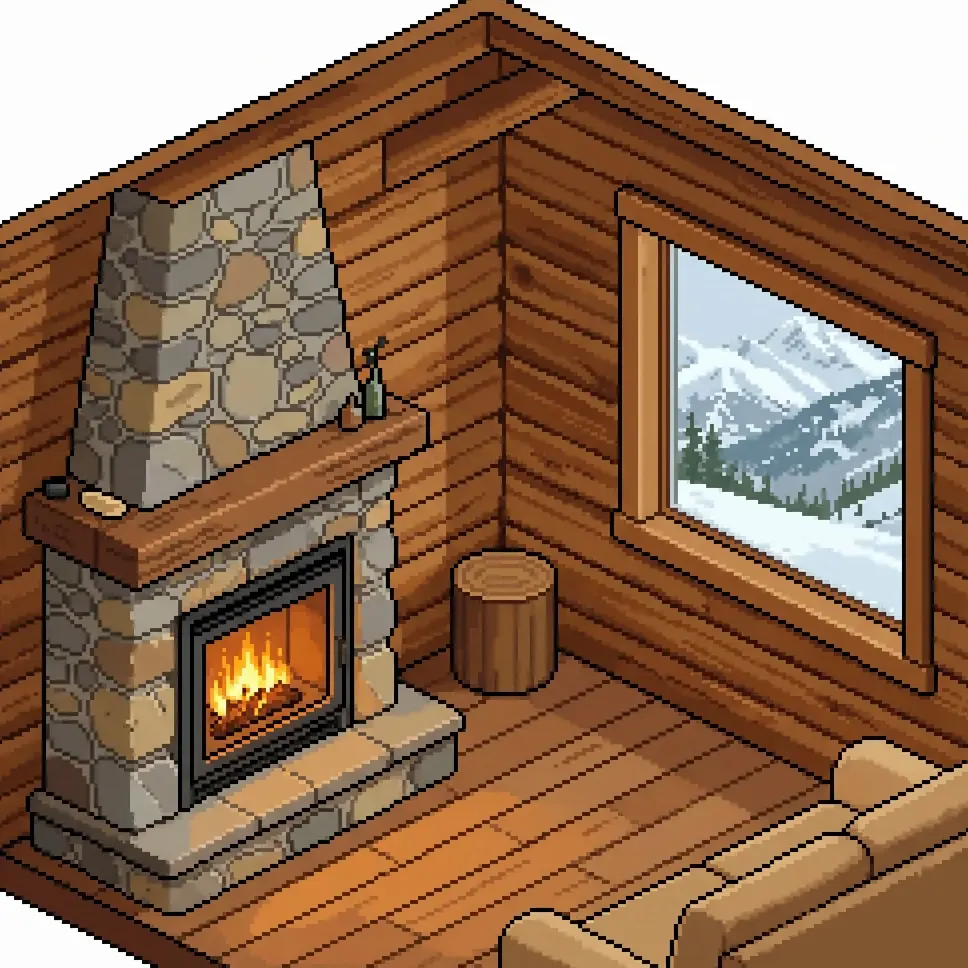
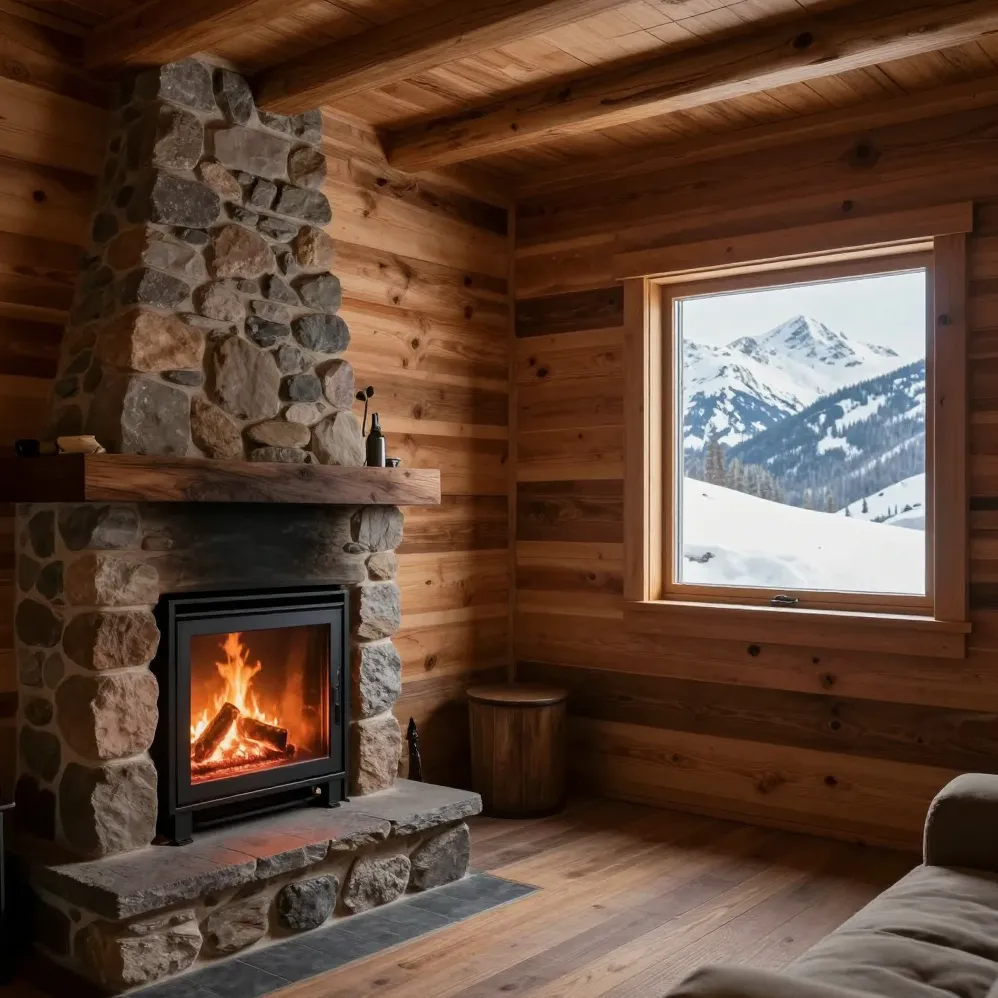 PhotoPixel
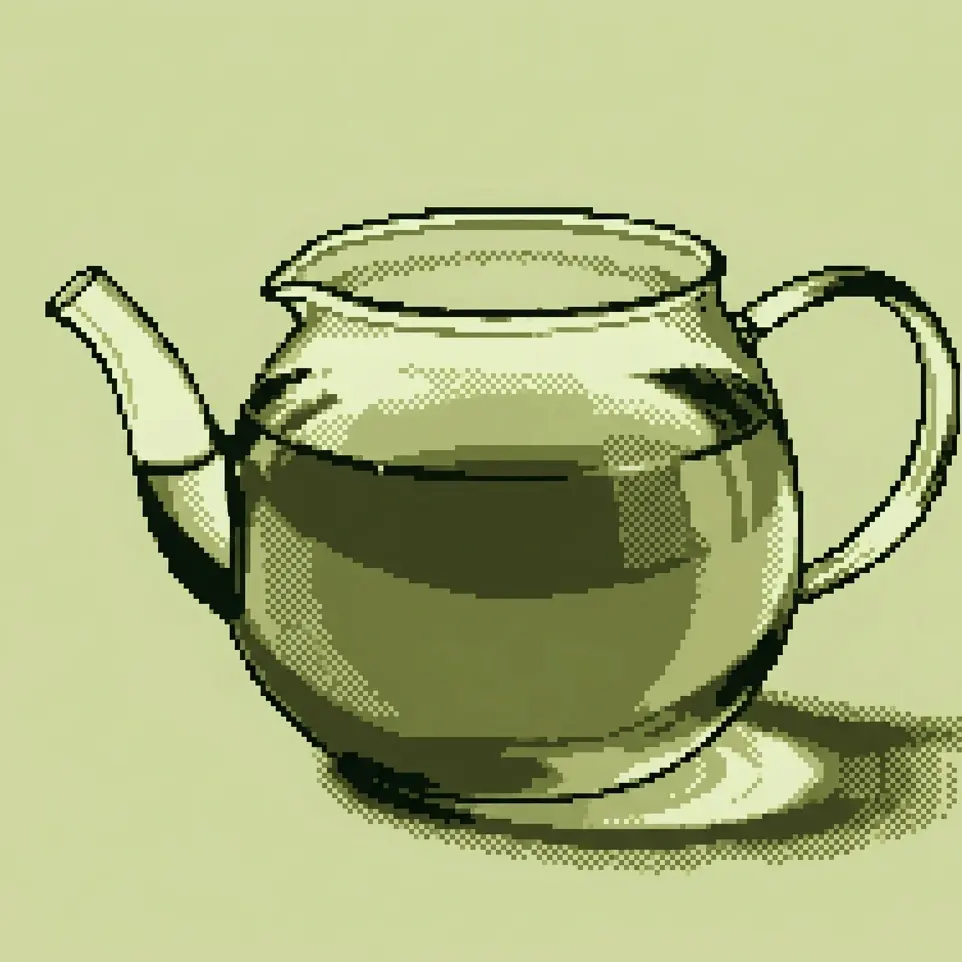
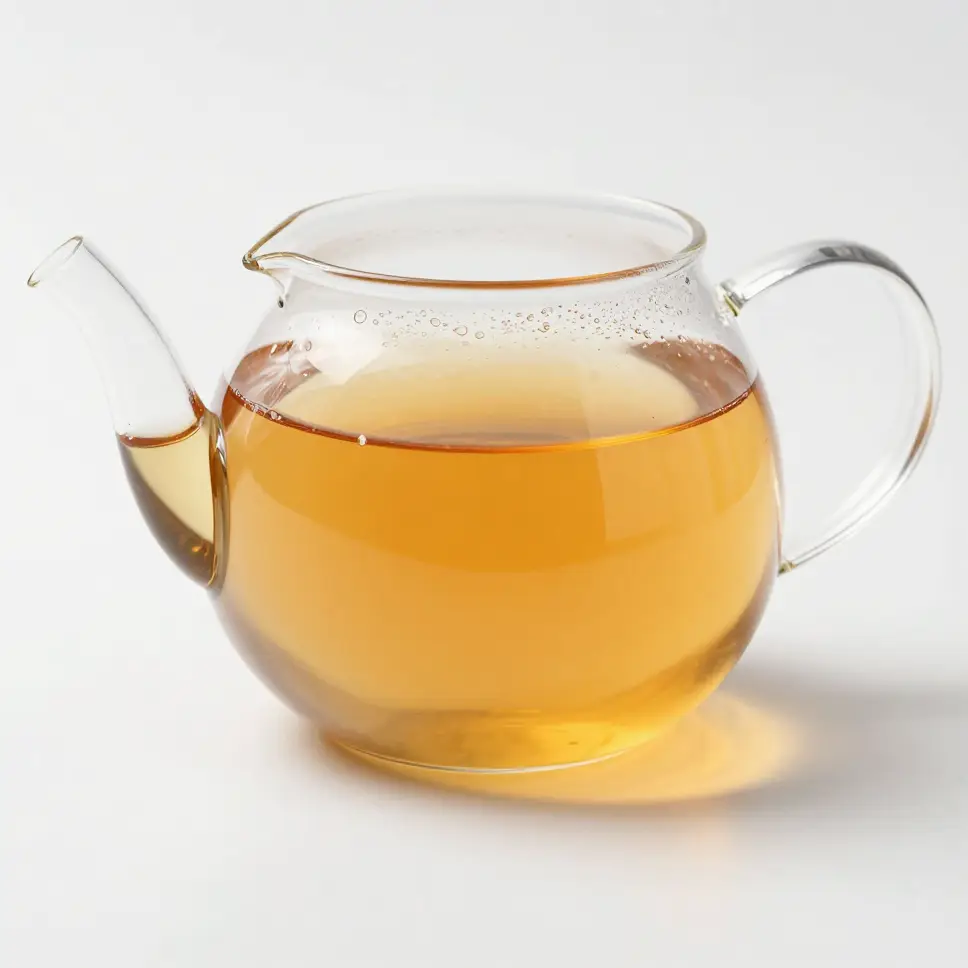 PhotoPixel
 PhotoPixel
Sprites from text
Tools
Three ways to make pixels
Use AI when you want a picture redrawn as real pixel art. Use the free pixelate tool when you only need big blocks over the original.
Photo → pixel art
Upload a photo and get it redrawn as pixel art in the look you pick, keeping the subject and layout.
Sprite from text
Describe a character, item or scene and get a sprite at 64, 128 or 256 px, optionally on a transparent background.
Free pixelate
Free and instant: block-average any image in your browser with a slider, then download a PNG. Nothing is uploaded.
More about Free pixelateGuides by task: Pixel art maker · Pixelate image · Isometric pixel art
How it works
How to turn a photo into pixel art
- 01
Upload
Drop in a JPG, PNG or WebP up to 10 MB. A clear subject on a simple background works best.
- 02
Pick a look
Choose 8-bit, 16-bit, isometric, handheld green or pastel, and a model. The credit cost shows before you start.
- 03
Compare and download
Drag the slider to check the pixel version against your photo, then download the file.
Honest limits
What it does well, and what it will not do
The AI redraws your photo; it does not trace it pixel by pixel. Expect the same subject and composition, with details simplified the way a pixel artist would.
Works well
- Pets, objects and rooms with a clear subject
- Portraits of adults turned into game-style characters
- Small sprites and items for game prototypes
- Profile pictures and stickers in a retro look
Will not do
- Keep every small detail or text from the photo
- Make a tile-perfect sprite sheet with exact frame alignment
- Copy a living artist’s style or a trademarked game character
- Convert photos of children, or of people who did not agree
Pricing
Plans for regular work, packs for one-offs
New accounts get 26 free credits, one time only, after email verification. A photo conversion costs 26 credits. A plan brings fresh credits every month at the lowest price per credit. A pack is a single payment whose credits never expire.
8-Bit
A few pixel pieces every month.
$5.90/ month
1,510 credits a month
- Fresh credits every month (each grant lasts 31 days)
- Photo → pixel art in every look, sprites at 64–256 px
- No watermark
16-Bit
Regular avatars, stickers and sprites.
$13.90/ month
3,930 credits a month
- Fresh credits every month (each grant lasts 31 days)
- Photo → pixel art in every look, sprites at 64–256 px
- No watermark
Mega
Game projects and large batches.
$32.40/ month
9,610 credits a month
- Fresh credits every month (each grant lasts 31 days)
- Photo → pixel art in every look, sprites at 64–256 px
- No watermark
Team plans
Priced per seat with a minimum of three. Everyone spends from one shared credit pool; the owner invites members and sees usage by member.
Arcade
Small teams sharing one credit pool.
$12.90per seat / month
$38.70 in total · 10,230 credits
10,230 credits a month, shared by 3 seats
- One shared pool, usage per member, one bill
- Photo → pixel art in every look, sprites at 64–256 px
- No watermark
Co-op
Bigger teams, with a credit limit per member.
$28.90per seat / month
$86.70 in total · 24,330 credits
24,330 credits a month, shared by 3 seats
- One shared pool, usage per member, one bill
- Photo → pixel art in every look, sprites at 64–256 px
- No watermark
Credit packs
One payment, no renewal. Pack credits never expire, and cost more per credit than a plan.
Coin
A few conversions or a handful of sprites.
$3.90one-time
850 credits · 0.46¢ per credit
- Credits never expire
- Photo → pixel art in every look, sprites at 64–256 px
- Full-size downloads, transparent sprites
- No watermark
Cartridge
A game jam’s worth of sprites and avatars.
$9.80one-time
2,240 credits · 0.44¢ per credit
- Credits never expire
- Photo → pixel art in every look, sprites at 64–256 px
- Full-size downloads, transparent sprites
- No watermark
Cabinet
Large batches of assets.
$24.60one-time
5,470 credits · 0.45¢ per credit
- Credits never expire
- Photo → pixel art in every look, sprites at 64–256 px
- Full-size downloads, transparent sprites
- No watermark
Credits per job
Photo → pixel art costs the same for every look. Sprites cost by model and size. The pixelate tool is free.
| Model | Size | Credits |
|---|---|---|
| Nano Banana 2.1Photo → pixel art | About 1K, keeps your photo’s shape | 26 |
| GPT Image 2Photo → pixel art | About 1K, keeps your photo’s shape | 39 |
| Sprite FastSprite from text | 64×64 px | 26 |
| 128×128 px | 26 | |
| 256×256 px | 36 | |
| Sprite PlusSprite from text | 64×64 px | 36 |
| 128×128 px | 44 | |
| 256×256 px | 75 |
Changed your mind? Within 12 days of a purchase, while no more than 10% of its credits are used (a yearly plan: of the year's), you can get the unused part refunded. Renewals are not refunded.
FAQ
Questions about photo to pixel art
Is it free?
You can try it for free. New accounts get 26 free credits, one time only, after email verification. The pixelate tool is free with no account. An AI conversion costs 26 credits on Nano Banana 2.1, with no watermark. Pack credits never expire; plans add fresh credits every month.
How much does one job cost?
A job costs 26 to 75 credits. A photo conversion is 26 credits on Nano Banana 2.1 or 39 on GPT Image 2, for any look. Sprites cost by model and size. The cost always shows before you start.
What is the difference between AI pixel art and pixelating?
Pixelating averages blocks of the original, so it looks blurry and keeps photo colors. The AI conversion redraws the picture with clean square pixels, outlines and a small palette, like a pixel artist would.
Which models do you use?
Photo conversions run Nano Banana 2.1 or GPT Image 2. Sprites from text run Sprite Fast or Sprite Plus, models trained for pixel art at exact sizes.
Do you keep my photos?
Uploads and results are private, never shown in a gallery and deleted automatically 30 days after the job. You can delete any job sooner in Settings > My pixel art. The free pixelate tool never uploads anything.
What happens if a job fails?
The credits it used are returned automatically. You do not need to contact support.
Can I use the results in my game?
Yes, for photos and descriptions you have the rights to. You may use the results commercially, subject to the Terms. Do not upload other people’s artwork or trademarked characters.
Can I get a transparent background?
Sprites can be drawn on a transparent background at no extra cost. Photo conversions keep a background, as in the photo.
Pixel guides
Practical notes on turning photos into pixel art and making sprites for games.
How to Turn a Photo into Pixel Art That Still Looks Like It
Which photos convert well, which pixel look to pick, and how to get a pixel art version that keeps the subject recognisable instead of a blurry mosaic.
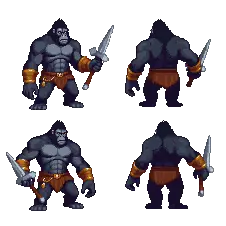
Game Jam Sprites in an Afternoon: A Practical Workflow
How to get a consistent set of pixel sprites for a game jam: sizes, prompts, transparent backgrounds, importing into an engine, and where to hand-edit.
Pixelate vs Pixel Art: Which One Do You Need?
A pixelate filter and real pixel art look similar at a glance but solve different problems. When the free filter is enough and when to redraw with AI.
Last updated: