Pixelate vs Pixel Art: Which One Do You Need?
A pixelate filter and real pixel art look similar at a glance but solve different problems. When the free filter is enough and when to redraw with AI.
"Pixelate" and "pixel art" are often used as if they were the same thing. They are not, and picking the wrong one either wastes credits or gives a result that looks like a blurred screenshot.
What pixelating does
A pixelate filter splits the picture into a grid of squares and fills each square with the average color under it. Nothing is drawn. Every color of the photo survives, just in bigger pieces, and soft gradients turn into stepped ones.
That makes it the right tool for:
- Hiding things. Faces, number plates and private text in a screenshot. Use large blocks: small ones can sometimes be read back.
- A quick mosaic effect for a thumbnail or a background.
- Checking composition at very low resolution.
The free pixelate tool does this in your browser. The file is never uploaded and it costs nothing.
What pixel art does
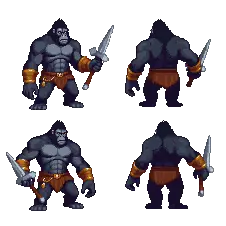
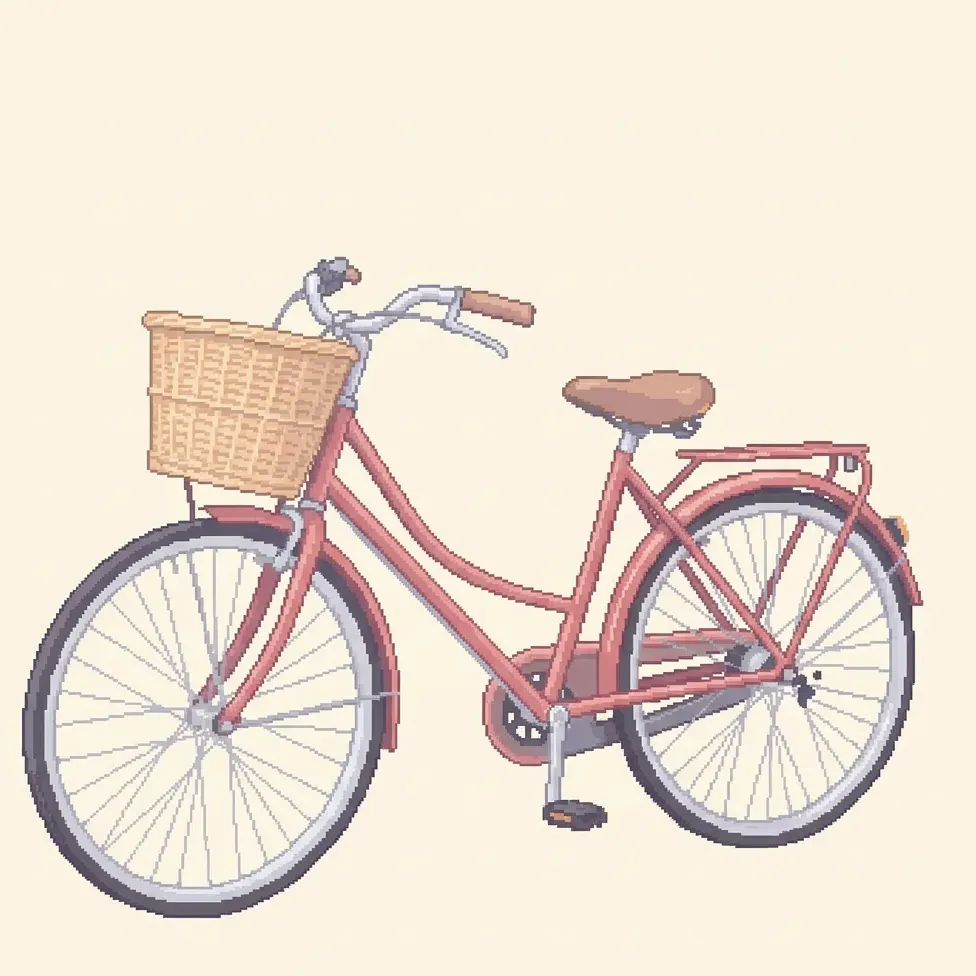
Pixel art is drawn on a grid with intent. It uses a limited palette, a clean outline, and shapes simplified so they read at a small size. Shading is placed by hand rather than averaged. That is why a 32-pixel character can look sharper than a pixelated photo with many times more blocks.
Use pixel art when the result should look made rather than censored:
- avatars and profile pictures,
- stickers, posters and prints,
- game sprites and concept art.
Getting pixel art from a photo
The AI conversion in the studio redraws your photo in a pixel look you choose (8-bit, 16-bit, isometric, handheld green or pastel), keeping the subject and composition. For new subjects with no photo, the pixel art maker draws sprites from a text description.
A quick rule
If you are hiding something, pixelate. If someone should enjoy looking at it, make pixel art.
Try it on your own photo
Upload a photo, pick a look and see the cost before you start.