Pixelate image online, free and in your browser

To pixelate an image, the tool splits it into square blocks and fills each block with its average color. This page does that right in your browser: pick a photo, drag the slider to choose how many blocks fit across, and download the PNG. The file never leaves your device and there is no account or watermark.

Last updated:

Runs in your browser. Nothing is uploaded and it costs nothing.

Want clean outlines and a real pixel palette? Try Photo → pixel art.

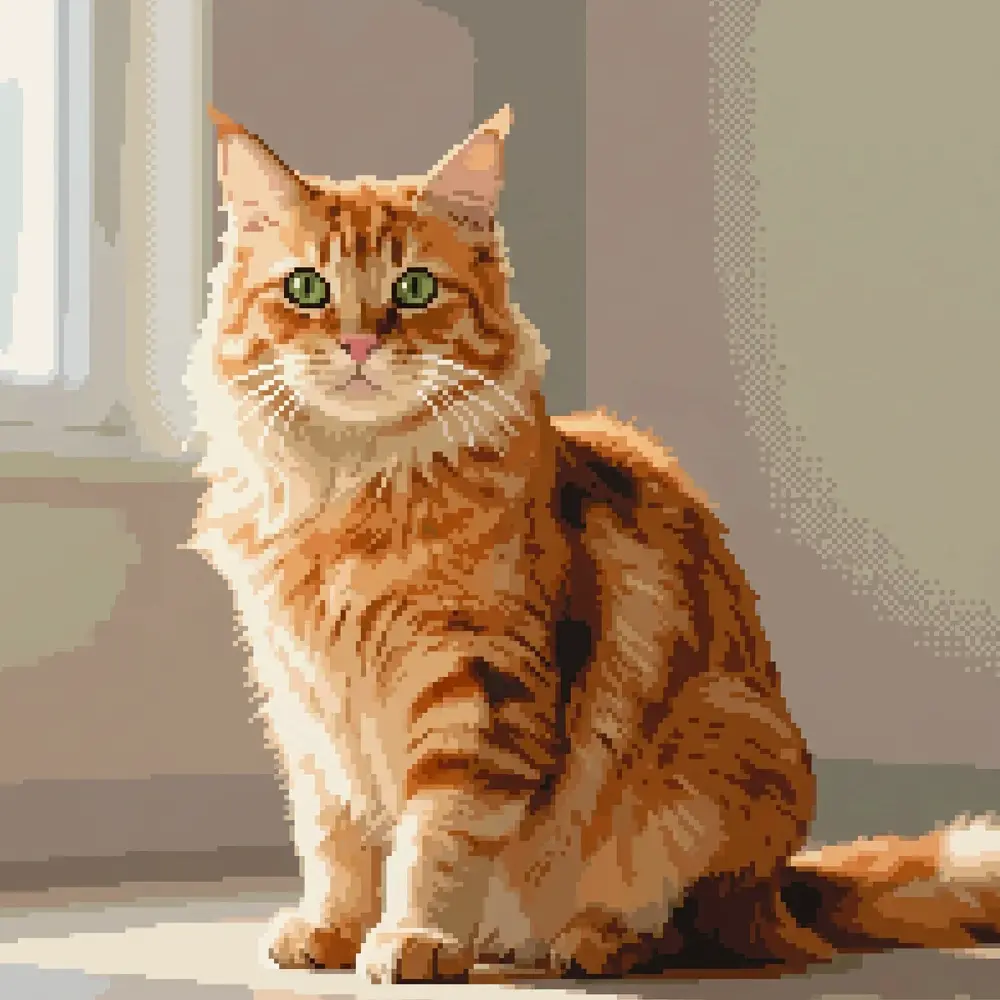
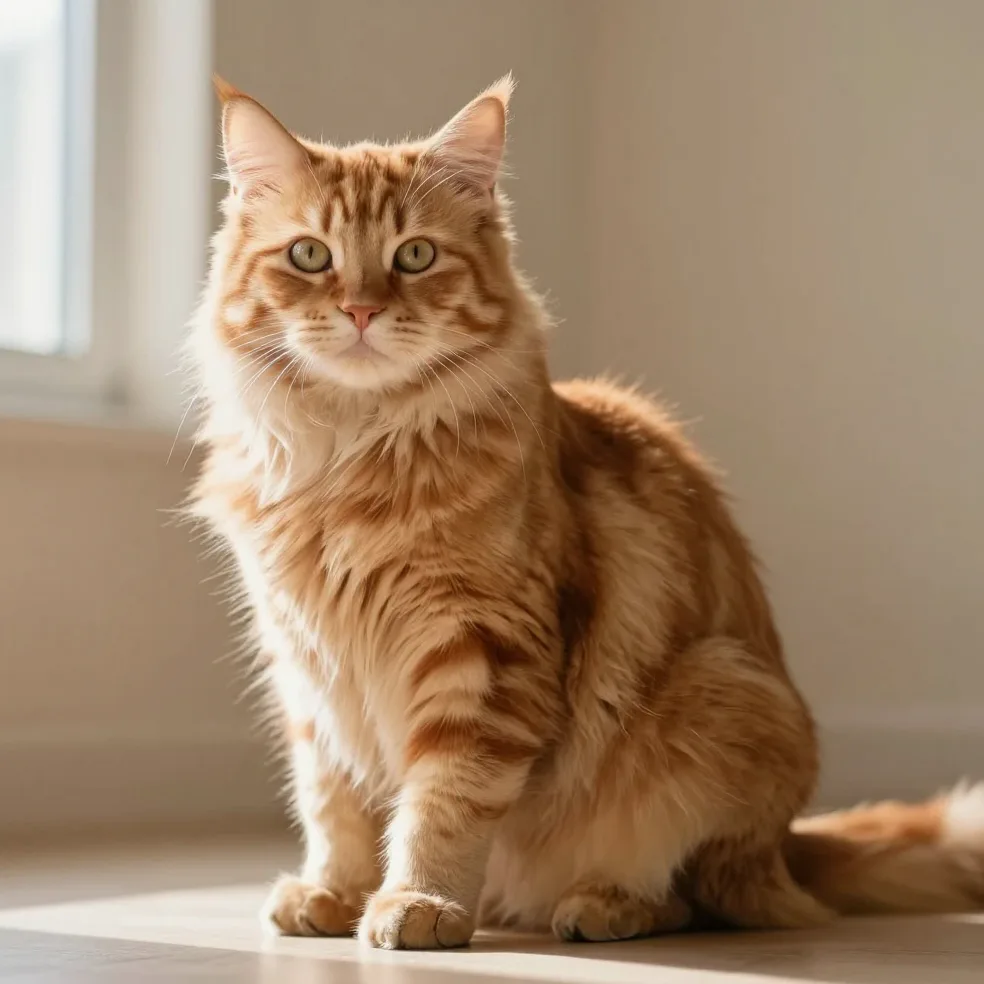
Photo of a ginger cat by a window, and the same cat as 8-bit pixel art — PixelPhoto of a ginger cat by a window, and the same cat as 8-bit pixel art — PhotoPhotoPixel
8-bit
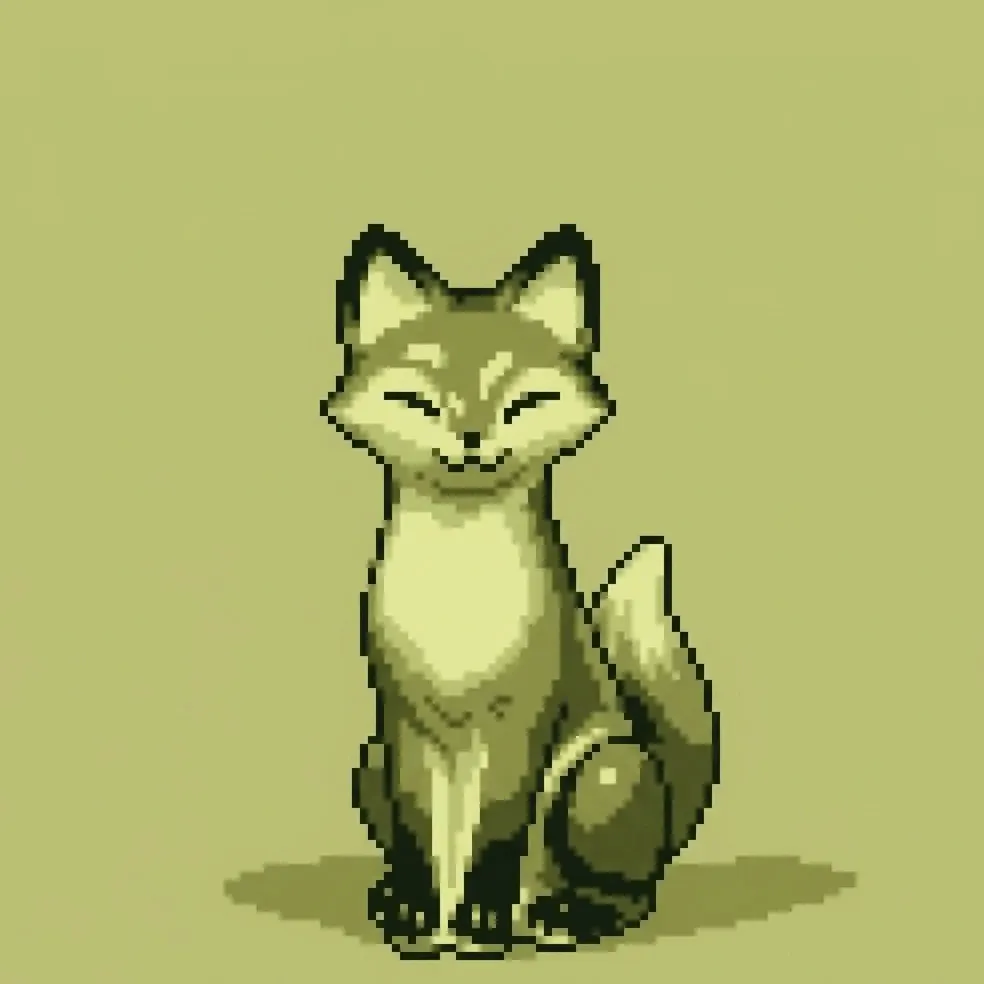
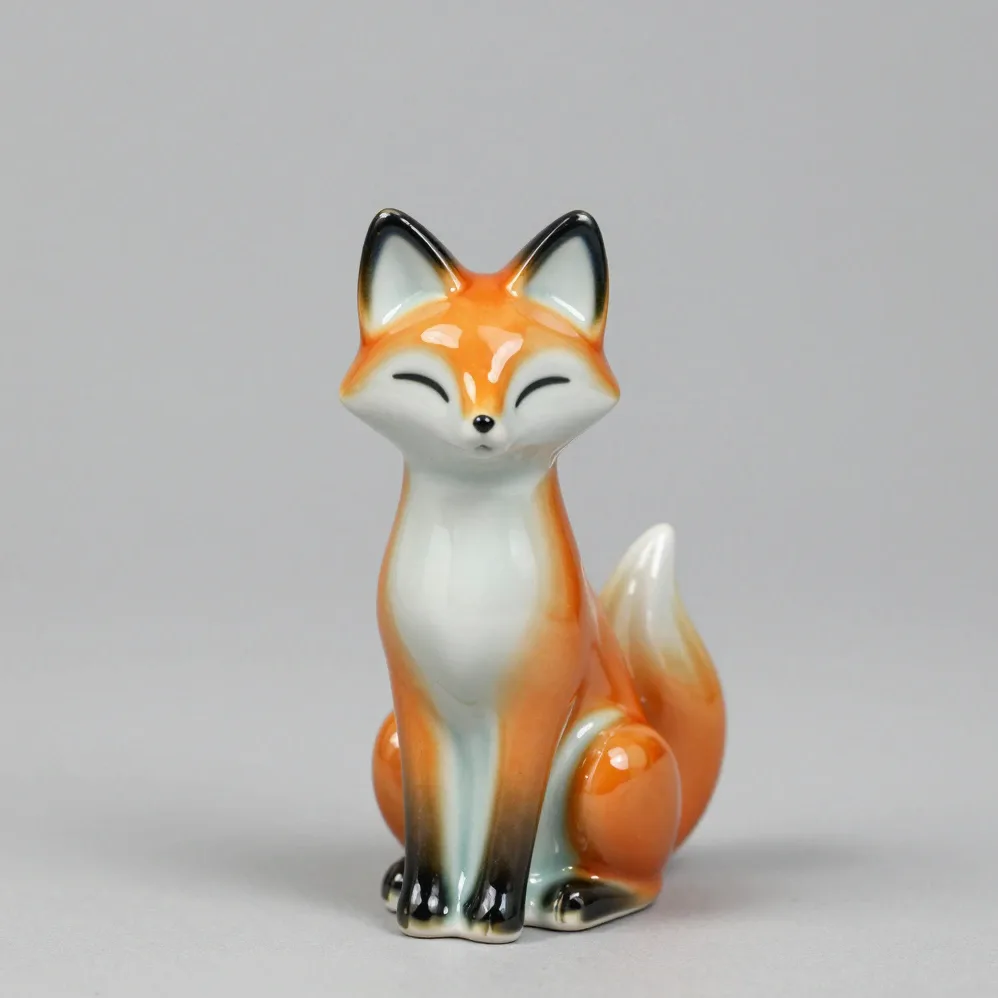
Photo of a ceramic fox figurine, and the same fox in four shades of handheld green — PixelPhoto of a ceramic fox figurine, and the same fox in four shades of handheld green — PhotoPhotoPixel
Handheld green
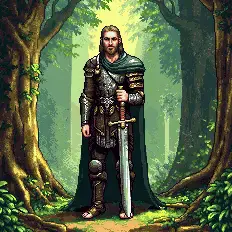
Pixel art of a cloaked swordsman standing in a sunlit forest
Prompt: ancient hero in the forest
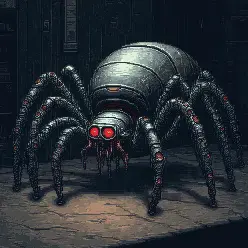
Pixel art of a metal robot spider with glowing red eyes
Prompt: robot spider

Good for

  • Hiding a face, a plate or private text before you share a screenshot
  • A quick retro mosaic effect for a post or a thumbnail
  • Checking how a picture reads at low resolution
  • Deciding on a pixel size before an AI conversion

How to use it

  1. 01

    Pick an image

    Choose a JPG, PNG or WebP. It opens in the browser; nothing is uploaded.

  2. 02

    Set the block size

    Drag the slider. Fewer blocks across means bigger pixels and a stronger effect.

  3. 03

    Download the PNG

    Save the result at the same size as your image, with sharp square blocks.

Pixelating is not the same as pixel art

A pixelate filter keeps every color of the photo, so the result looks like a blurry mosaic. Pixel art uses a small palette, clean outlines and deliberate shapes. If that is what you want, switch to Photo → pixel art: the AI redraws the picture instead of averaging it.

Is pixelating safe for hiding information?

Large blocks over text or faces make them hard to read, but small blocks can sometimes be reversed. For anything sensitive, use big blocks or cover the area with a solid shape instead.

What it costs

Photo → pixel art costs the same for every look. Sprites cost by model and size. The pixelate tool is free. See credit packs

Credits per job by model and size
ModelSizeCredits
Nano Banana 2.1Photo → pixel artAbout 1K, keeps your photo’s shape26
GPT Image 2Photo → pixel artAbout 1K, keeps your photo’s shape39
Sprite FastSprite from text64×64 px26
128×128 px26
256×256 px36
Sprite PlusSprite from text64×64 px36
128×128 px44
256×256 px75

Questions

Is the pixelate tool really free?

Yes. It runs in your browser, uses no credits and needs no account.

Do you see my image?

No. The free pixelate tool never uploads the file; everything happens on your device.

Can I pixelate only part of an image?

Not yet: the tool pixelates the whole picture. Crop the part you want first, or use an editor with a selection for a partial effect.

What is the difference from the AI conversion?

Pixelating averages blocks of the original. The AI conversion redraws the picture as pixel art with a limited palette and outlines, and costs credits.